Rover Rescue
Robotics
Wire circuits, sensors and motors in the Hardware Lab, then build real robots like an automatic waste-sorting basket and a robotic head.


Short, hands-on lessons in coding, robotics, drones, IoT and AI. Each lesson adapts to your child, and every stage ends with something new they can make.
Tap the rover to take it apart
Five programmes in one account. Your child can try all of them and go deeper in the ones they love.
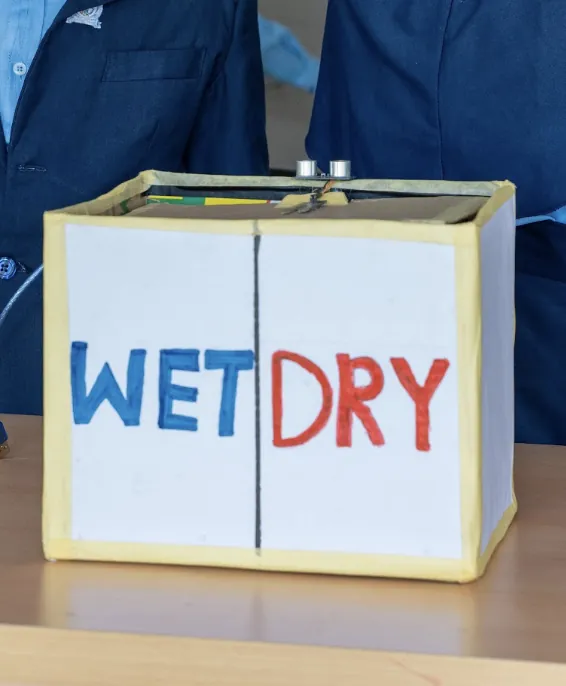
Wire circuits, sensors and motors in the Hardware Lab, then build real robots like an automatic waste-sorting basket and a robotic head.
Make games and animations in Scratch, build 3D worlds with simple WHEN–DO rules, and code racing games.
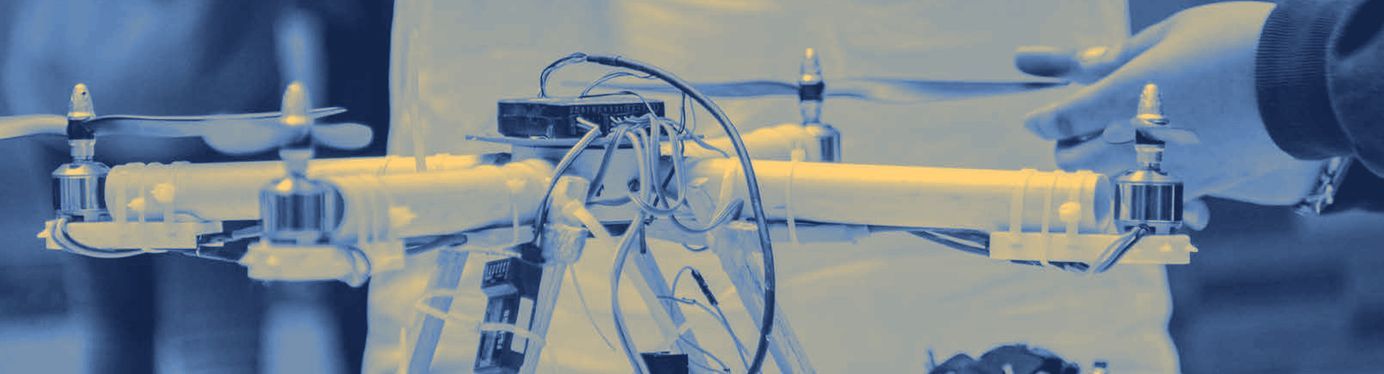
Learn flight safety and controls, code a flight path in the Drone Lab, then fly for real.
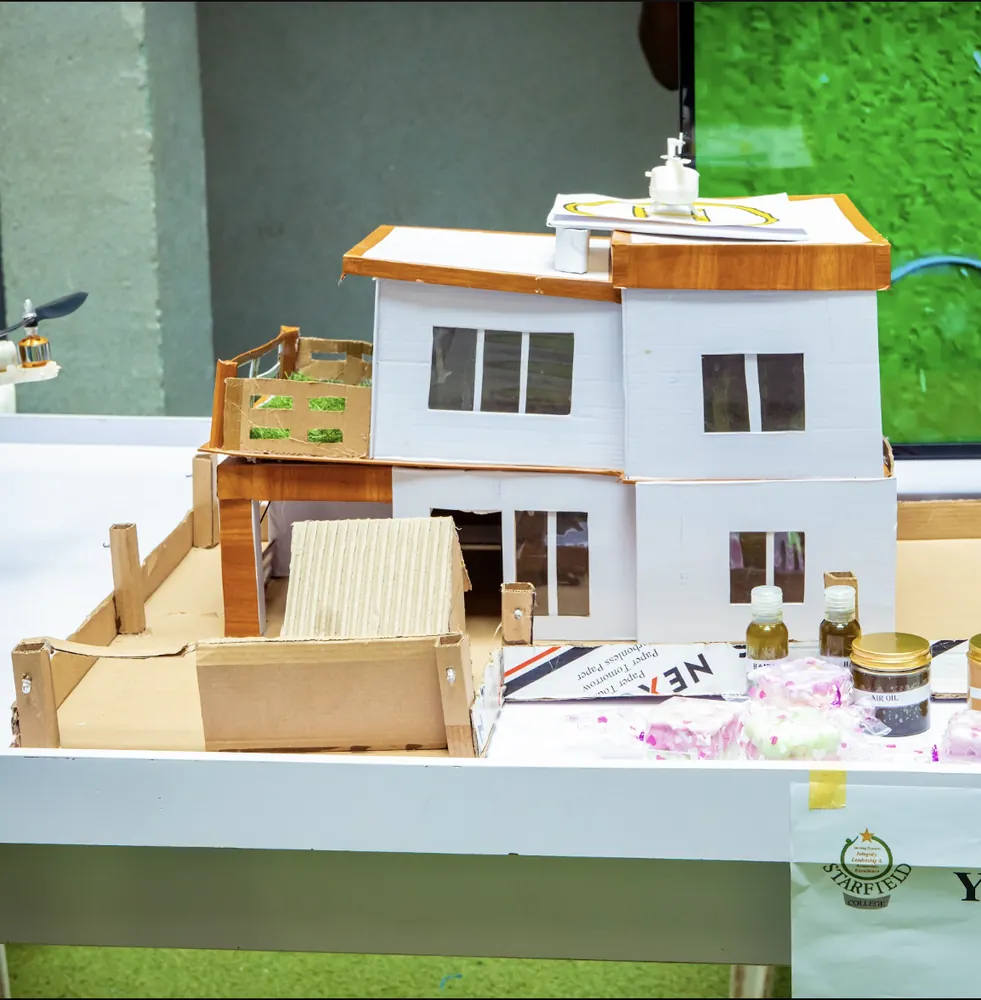
Build devices that sense, connect and act, like a model smart house where one board controls another by radio.
See how machines learn from examples. Children collect training data, test a model and talk about using AI responsibly.
Every lesson follows the same three steps. Try them right here: this is a working copy of the app.
The rover drives 10 cm every second. It drives for 5 seconds. How many cm does it go?
After 0 s: at 0 cm.
You got 3 of 3 right on the first try.
Everything your child needs to learn, make and show what they've built.
 1440 × 900
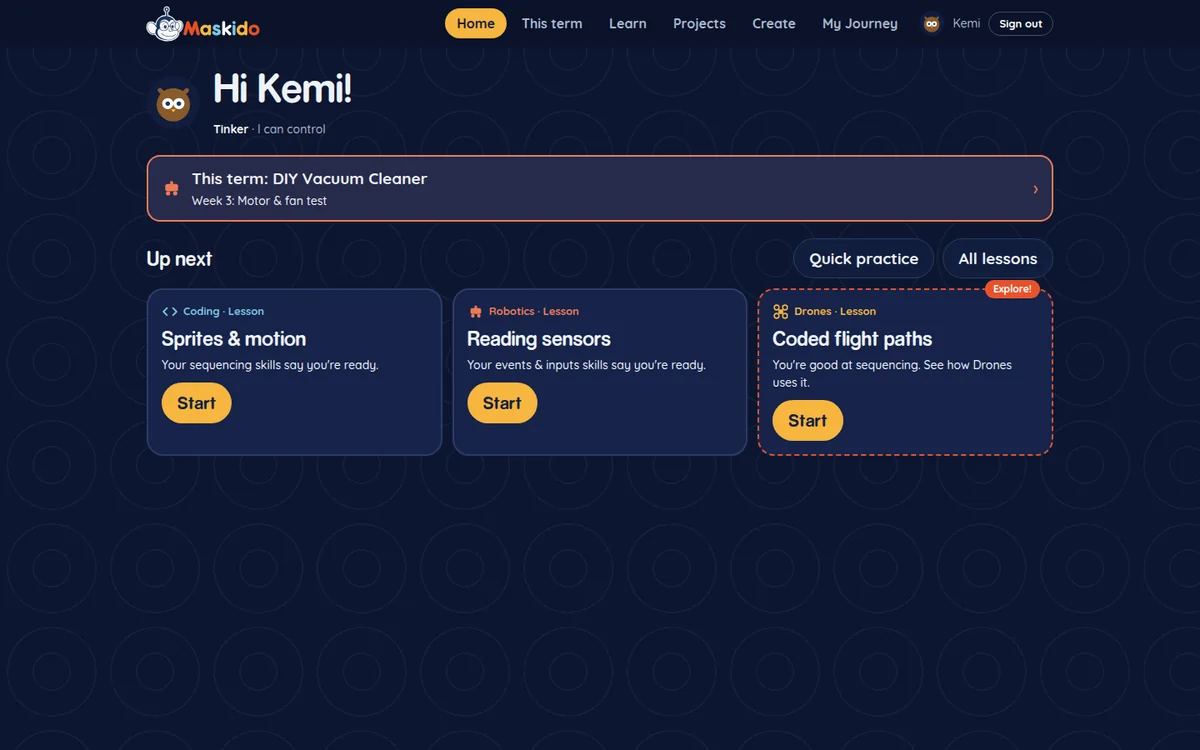
Three lessons picked for your child, one of them in a programme they haven't tried yet.
 1440 × 1056
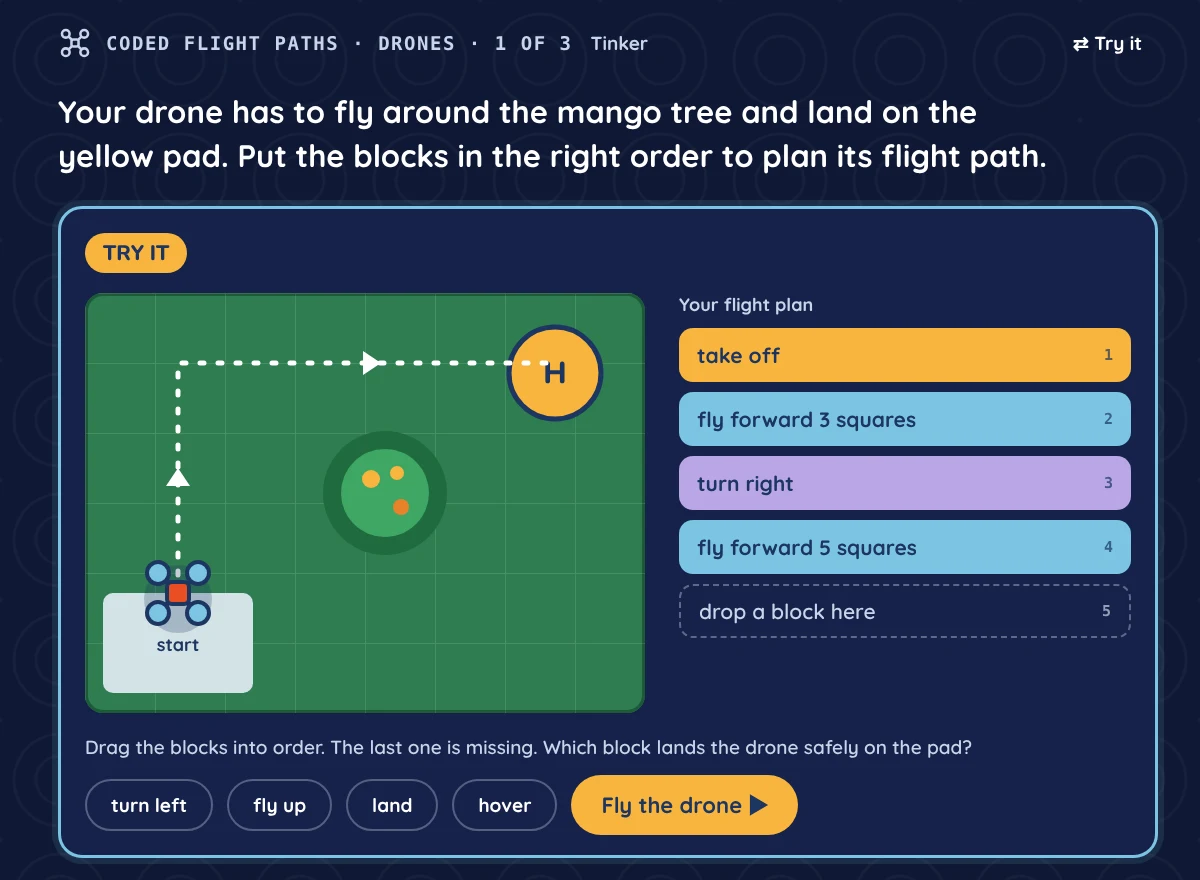
Every lesson has something to try, like coding a drone's flight path around a tree and landing it on the pad.
 1440 × 1133
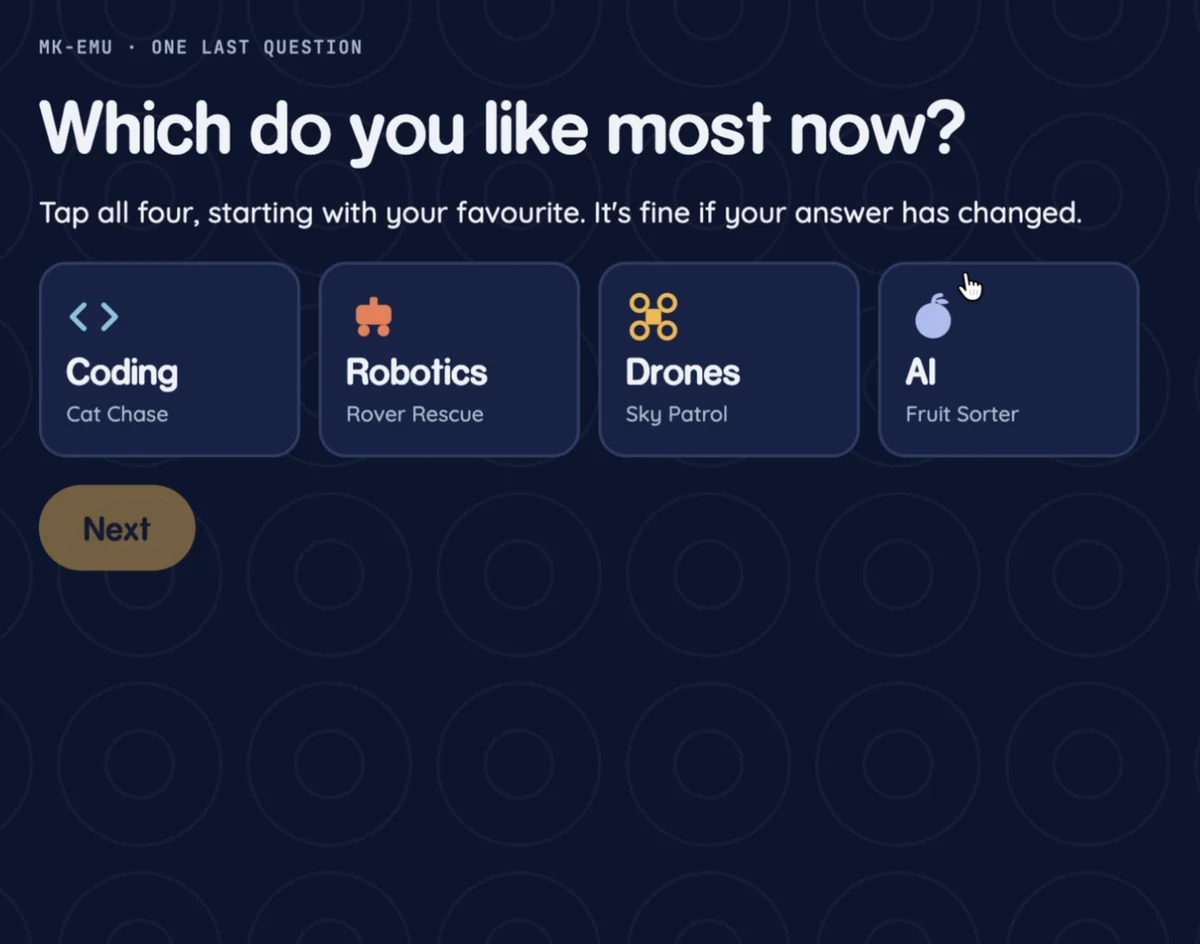
Children pick their favourite topics, so lessons match their interests.
 1440 × 900
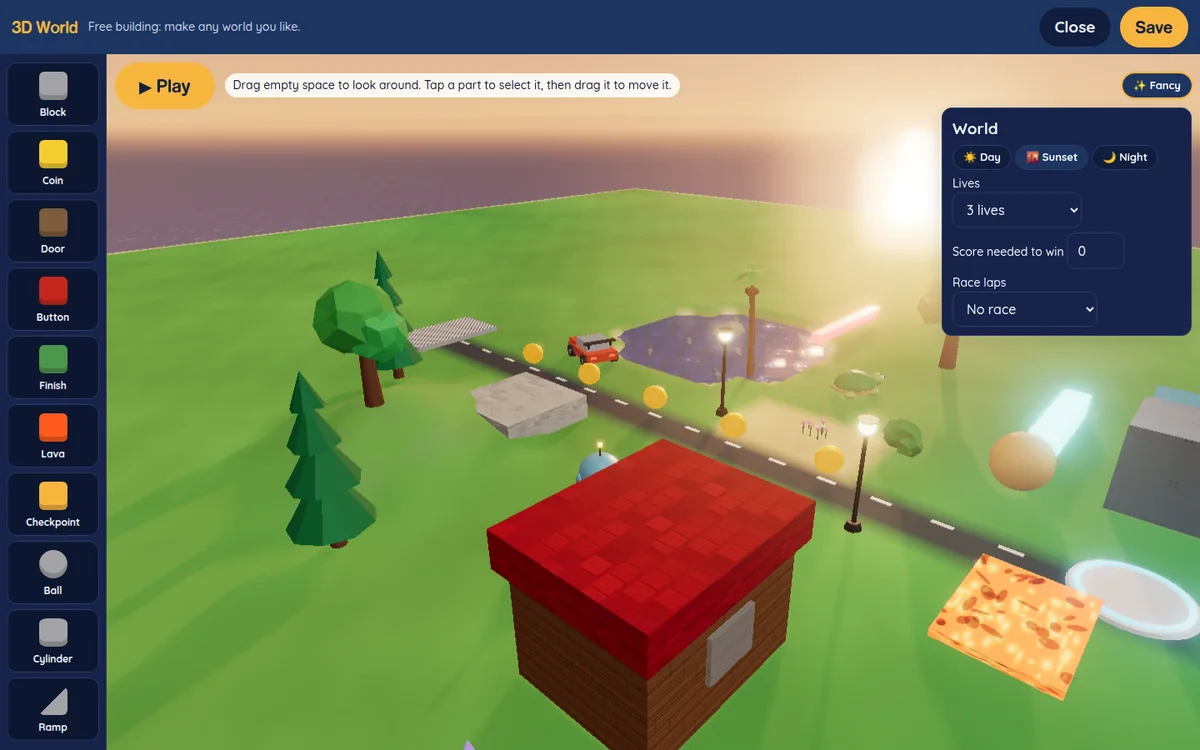
Scratch, a Hardware Lab, a Circuit Lab, a Drone Lab and a 3D World.
 1440 × 900
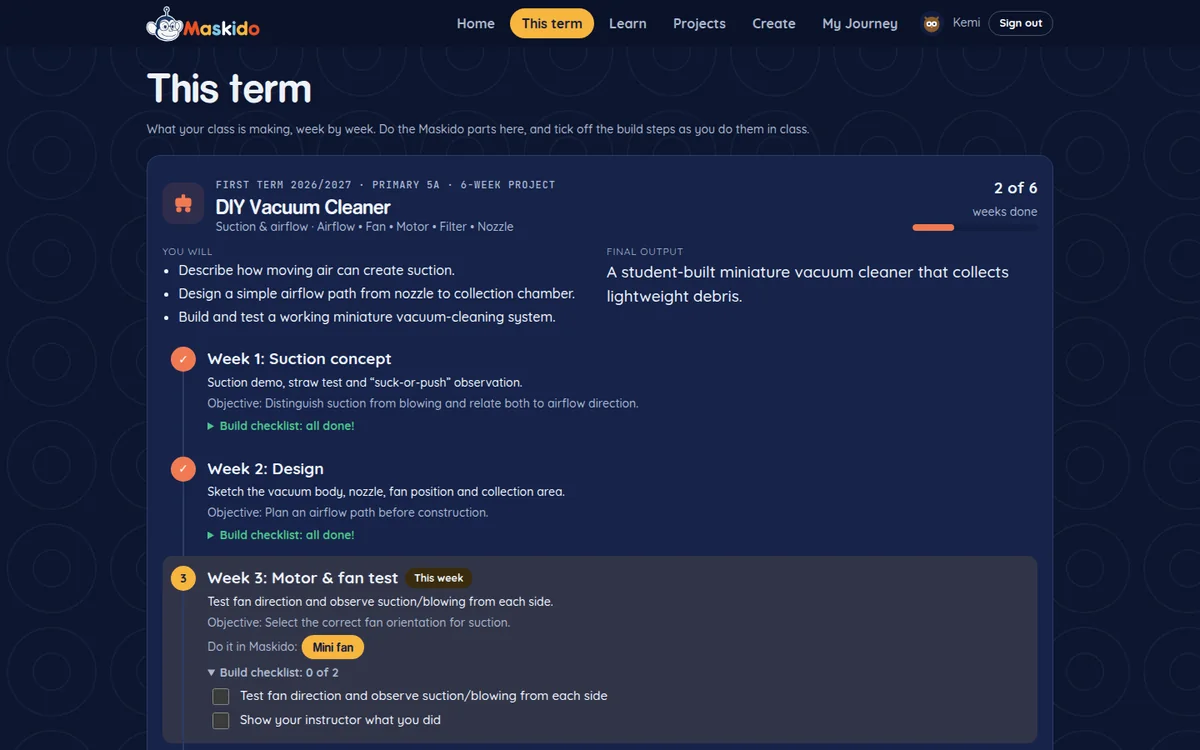
A real build, week by week, with a checklist for every step.
 1440 × 900
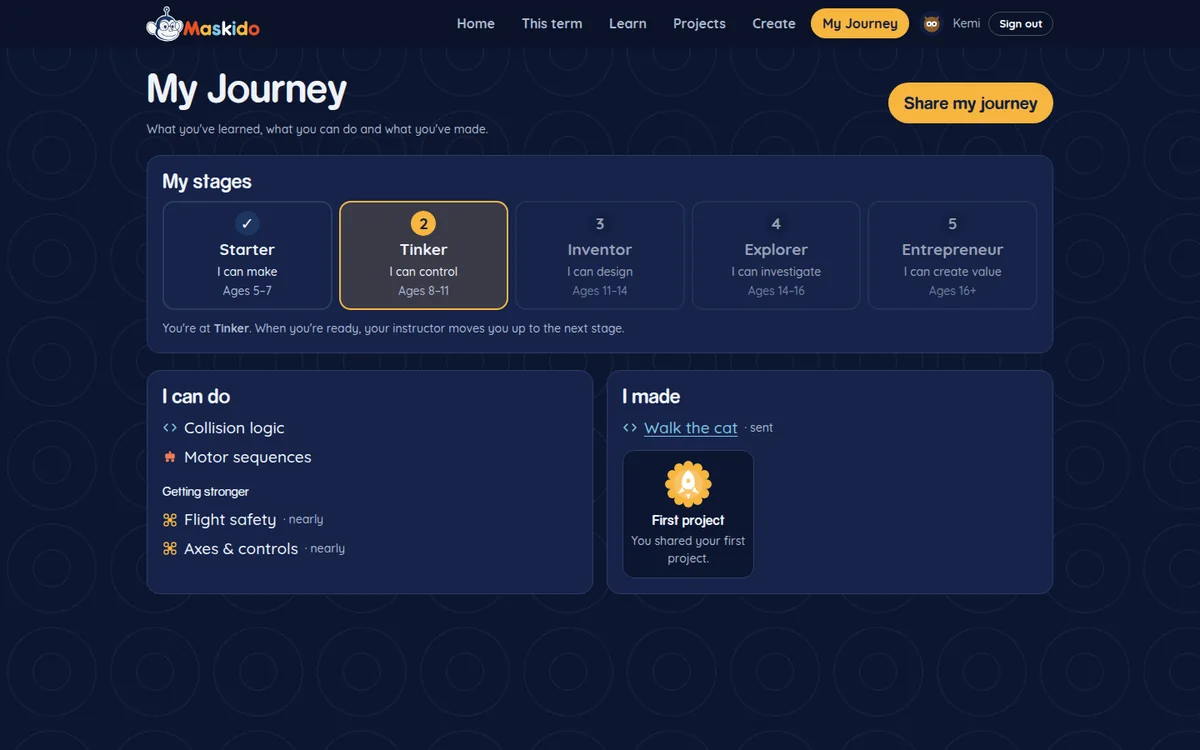
Stages, skills, badges and a card your child can share.
 1440 × 900
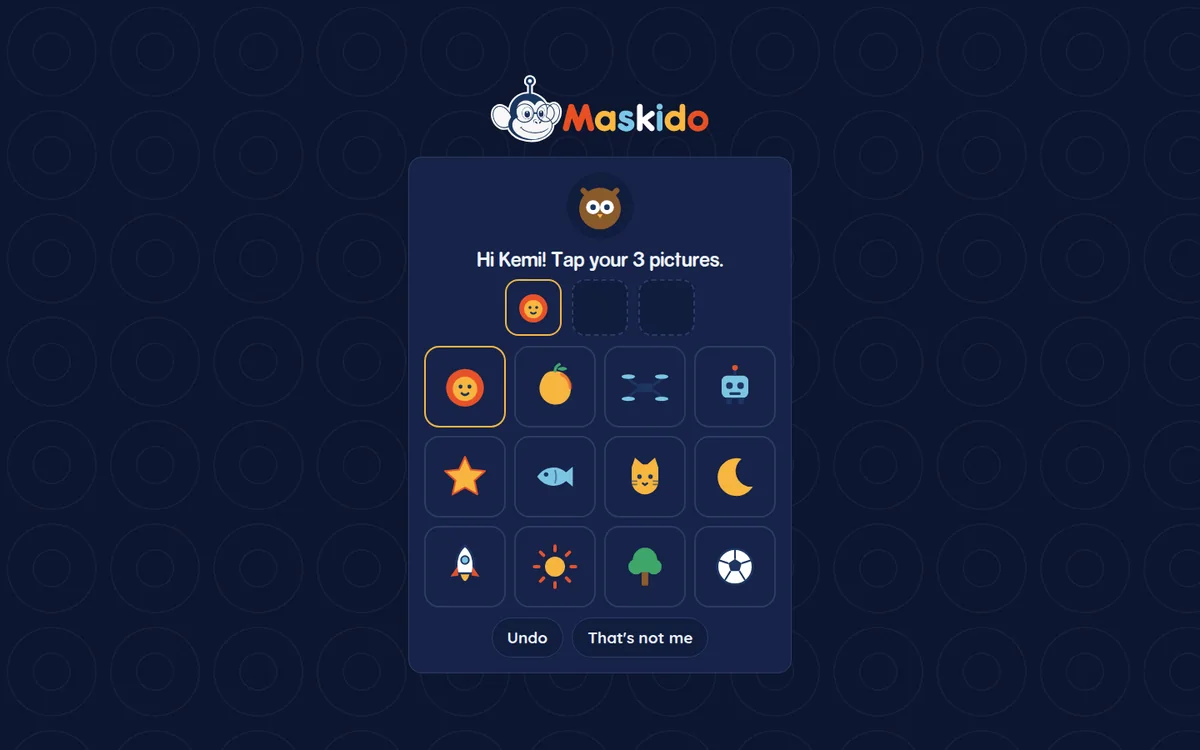
Class code, name and three pictures. No password to remember.
 1440 × 900
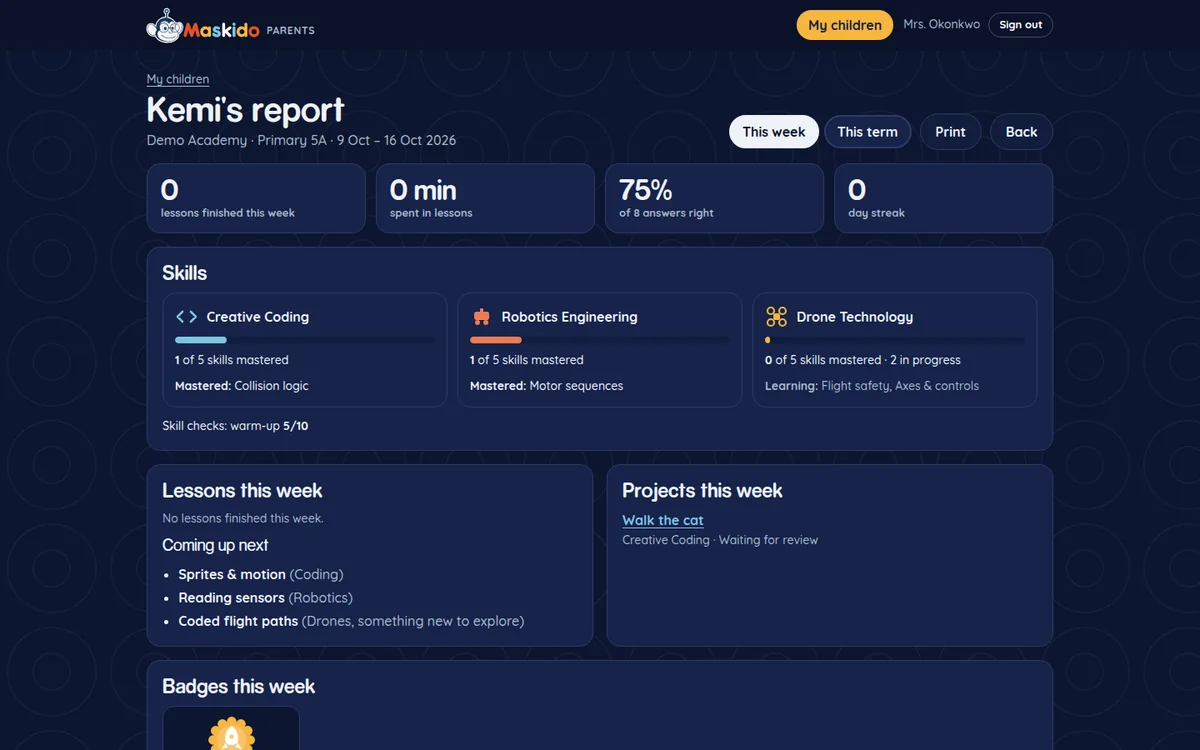
Weekly and termly reports for parents, with ideas to try at home.
Children move up when they're ready. Each stage ends with something new they can say and show.
I can make.
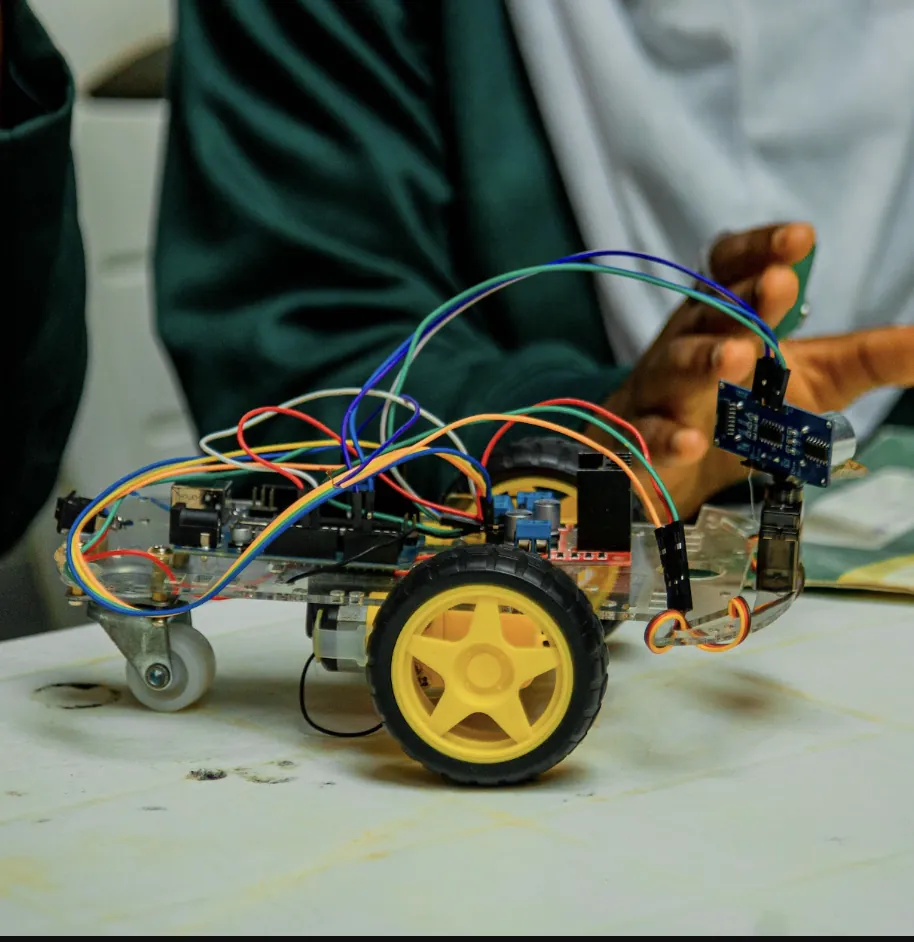
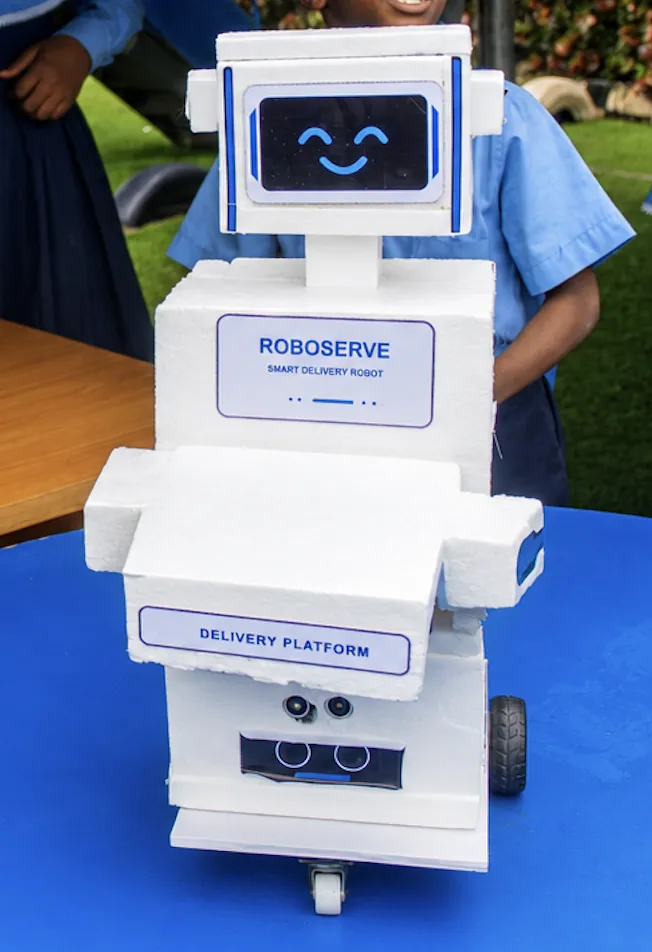
Real projects from real classes. The learning doesn't stay on the screen.
A clear picture of progress, in plain language. You don't need to be technical.
Every week and every term.
Simple things to build together after each report.
Add all your children. Each one keeps their own progress.
You choose what you consent to: learning, research and photos.
We teach children to understand technology, not just use it.
Children make their own things, not just follow steps. Every lesson leaves room for their own ideas.
We teach how things work from first principles, so children can fix, change and invent, not only follow instructions.
Lessons are age-appropriate and locally relevant, and designed with learning science and engineering principles.
Milestones our learners reach, builds they finish and news from Maskido.
[Name] started with us in [class] building [first project]. This term [he/she] joins the Maskido team as an intern, helping younger learners build theirs.
Twelve classes, twelve projects. Here is what Maskido learners are building in partner schools this term, from Primary 1 to SS 3.
We signed a memorandum of understanding with Inspaya Academy in Abuja to run a creative computing programme for children and teenagers.
"He used to only play games. Now he makes them, and he explains the code to me."
"I built a propeller car and it drove across the whole classroom!"
"My pupils ask for STEM day. The progress view shows me exactly who needs help."
Every family plan includes all five programmes and progress reports. Schools get a package built for them.
We bring the curriculum, trainers, MakerSpace and learning platform. Pricing depends on your classes and pupils, so let's talk it through.
Can't find your answer? Talk to us or message us on WhatsApp.
A laptop, desktop or tablet with an up-to-date web browser.
No. The Hardware Lab, Circuit Lab and Drone Lab let children build and test in the browser. Physical kits are optional.
Every child begins with a short warm-up check. Maskido then places them at the right stage, so it's never too easy or too hard.
Yes. A family account holds up to four children, each with their own lessons and progress.
Lessons are short and light, so they load on most home connections.
Young children sign in with a class code and three pictures, not emails or passwords. Parents choose what they consent to. Read our privacy page.
Pick a plan, add your child, and choose their first lesson together.
Teaching the builders of tomorrow's technology.